- By admin
- November 19, 2026
- Web Development
- 0 Comments
12 Ways to Get More Enquiries From Website Visitors
Plenty of small business websites get steady traffic but very few enquiries. Visitors arrive, look around and leave without calling, messaging or filling in a form. The good news is that the reasons are usually simple and fixable. If you want to get more enquiries from website visitors you already have, start with the 12 practical changes below. None of them need a big budget, and most can be done in a few weeks.
Key takeaways
- Most lost enquiries come from unclear offers, hidden contact details, long forms and slow mobile pages, not from a lack of traffic.
- Every key page needs one clear call to action and an easy way to call, message or email you.
- Trust signals such as reviews, real photos and clear next steps make people far more willing to get in touch.
- Speed and mobile usability matter: Google’s research shows mobile visitors leave slow pages quickly.
- Reply fast and track where enquiries come from, so you know which changes are working.
Why your website gets visits but few enquiries
A visitor only gets in touch when three things are true: they understand what you offer, they trust you enough to contact you, and contacting you feels easy. If any one of those is missing, most people simply go back to the search results and try the next business. The 12 ways below are grouped around those three points, plus speed, getting the right visitors and following up properly.
Make your offer clear in seconds
1. Say what you do, for whom and where, at the top of the page
Your main headline should answer the visitor’s first question straight away. “Quality solutions for your needs” says nothing. “Same-day boiler repairs in Sheffield” or “Wedding photography in Colombo and Kandy” tells people they are in the right place. Add a short line underneath that explains the main benefit, and keep the first screen free of clutter.
2. Give every page one main call to action
Decide what you want a visitor to do on each page, then make that action obvious. “Get a free quote”, “Book a consultation” or “Check availability” works better than a vague “Learn more”. Repeat the same button near the top, in the middle of long pages and at the end, using a colour that stands out from the rest of the design.
Make contacting you effortless
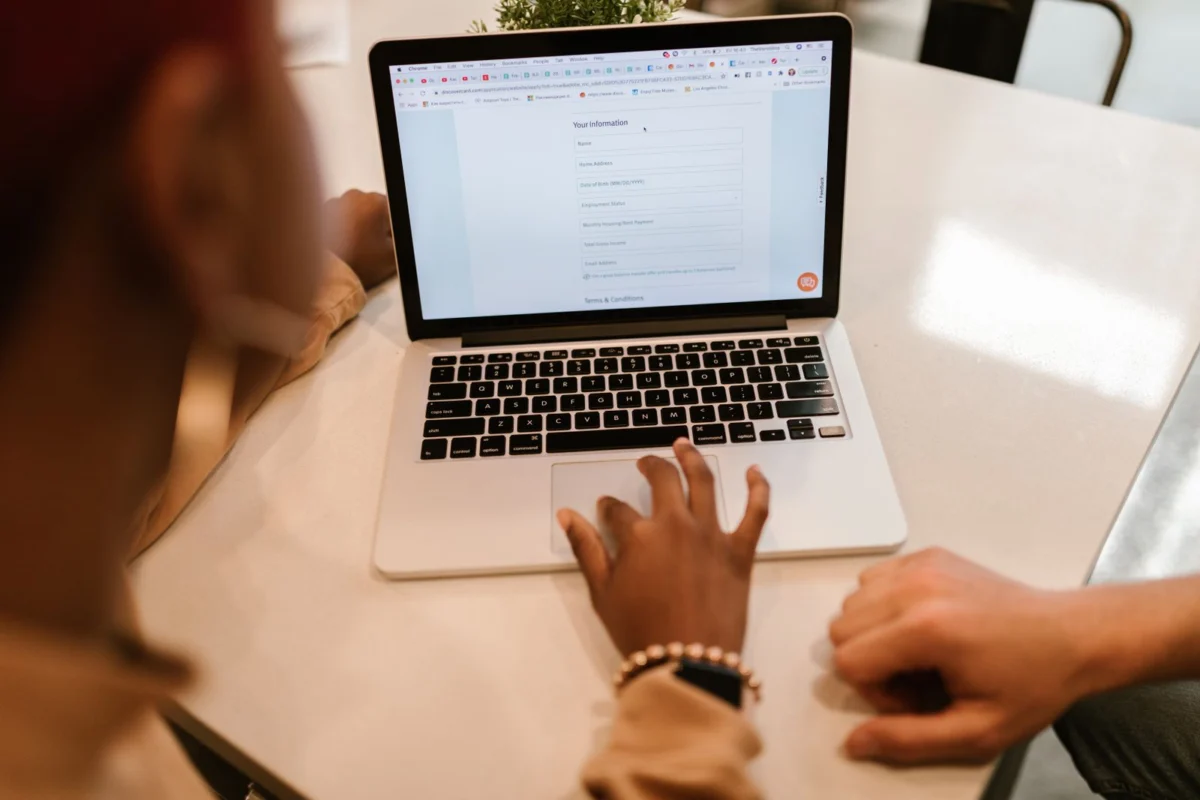
3. Shorten your enquiry form
Every extra field is another reason to give up. Ask only for what you need to reply: name, email or phone, and a short message. A drop-down for the service they need can help, but budget, company size and “how did you hear about us” can usually wait until the first conversation. Usability research from the Baymard Institute on online checkouts found that the number of form fields affects usability more than the number of steps, and the same principle applies to enquiry forms.
4. Offer more than one way to get in touch
Some people like forms, others want to call or send a quick message. Show your phone number in the header, make it tap-to-call on mobile and, if your customers use it, add a WhatsApp button. This matters a lot in Sri Lanka, where many customers prefer to message a business directly. Make sure your email address and opening hours are easy to find too.
5. Tell people what happens after they enquire
Uncertainty stops people pressing “Send”. A single line such as “We reply within one working day with a free, no-obligation quote” removes that doubt. After submission, show a proper thank-you page that confirms the message arrived and explains the next step.
Build trust before you ask
6. Show reviews and real examples of your work
Genuine reviews, short case studies and before-and-after photos do more selling than any sales copy. Place a few strong testimonials near your calls to action, link to your Google reviews, and keep a portfolio or projects page up to date. Never invent reviews; real ones with names and details are far more convincing.
7. Use real photos and show who is behind the business
Stock photos have their place, but photos of your team, premises, vehicles or finished work make a small business feel real. An About page with names, faces and your location reassures visitors that a real person will read their enquiry. A clear business address and registration details add further confidence, especially for overseas customers.
8. Answer the big questions before they are asked
People hesitate when they cannot find basic answers. Explain what is included in your service, how long it takes, which areas you cover and what affects the price. You do not have to publish a price list, but giving a starting point or explaining the factors helps visitors decide you are worth contacting. A short FAQ on each service page works well.
Fix speed and the mobile experience
9. Make your pages load quickly
Slow pages lose visitors before they read a word. Research published by Google reported that 53% of mobile visits are abandoned when a page takes longer than three seconds to load. Compress images, remove unused plugins, use good hosting and a caching tool, and test your key pages with Google PageSpeed Insights.
10. Design for thumbs, not just desktops
Many of your visitors will be on a phone. Check that buttons are large enough to tap, text is readable without zooming, forms are easy to fill in and pop-ups do not cover the screen. A sticky “Call” or “WhatsApp” bar at the bottom of mobile pages is a simple way to keep contact options in reach.
Attract visitors who are ready to enquire
11. Create a page for each service and location
One general “Services” page rarely ranks well or converts well. Give each main service its own page, and create location pages where you genuinely serve those areas. Someone searching for “office cleaning in Nugegoda” is far more likely to enquire if they land on a page about exactly that. Pair this with a complete Google Business Profile and solid SEO so the right people find you in the first place.
Respond fast and measure what works
12. Reply quickly and track every enquiry
An enquiry is only valuable if you act on it. Make sure form messages reach an inbox someone checks daily, set up an automatic confirmation email, and aim to reply the same day. Then measure the results:
- Set up form submissions, phone clicks and WhatsApp clicks as key events in Google Analytics 4.
- Ask new customers how they found you and note it down.
- Test your forms every month to make sure they still send.
- Change one thing at a time so you can see what made the difference.
If your site is outdated and these fixes feel like patching holes, a planned rebuild may be the better route. Our guide on how to plan a website redesign that brings in more enquiries walks through that process, and you can see how we approach it on our website redesign page.
Frequently asked questions
How quickly can I get more enquiries from my website?
Changes such as a clearer headline, a shorter form or a visible phone number can make a difference within weeks, because they affect visitors you already have. SEO and new service pages take longer, usually a few months, because they depend on search rankings.
Is a contact form or a phone number better?
Offer both. Some visitors want an instant answer and prefer to call or message, while others browse in the evening and would rather send a form. Giving people a choice captures more of them.
Do I need a new website to get more enquiries?
Not always. Many sites improve a lot with better copy, faster pages and clearer calls to action. A rebuild makes sense when the site is slow at its core, hard to update or no longer reflects your business.
What should I track to know if it is working?
Track the number of form submissions, calls and messages each month, and which pages they came from. Comparing these before and after each change shows you what is actually bringing in enquiries.
Turn more visitors into enquiries
You do not need to fix everything at once. Start with the quick wins: a clear headline, one strong call to action, a short form and visible contact details. Then work on trust, speed and new service pages. If you would like expert help, explore our web design and development services or browse our website packages. When you are ready, contact Afai Pixel for a free quote. Our teams in Colombo and Sheffield help small businesses across Sri Lanka, the UK and Europe build websites that bring in real enquiries.
Ready to put this into practice?
Tell us about your project and we will suggest a clear, practical next step, from Colombo, Sri Lanka and the United Kingdom.